

Tickets, hours, estimates, invoices and documents — everything to do with your account, in one place.
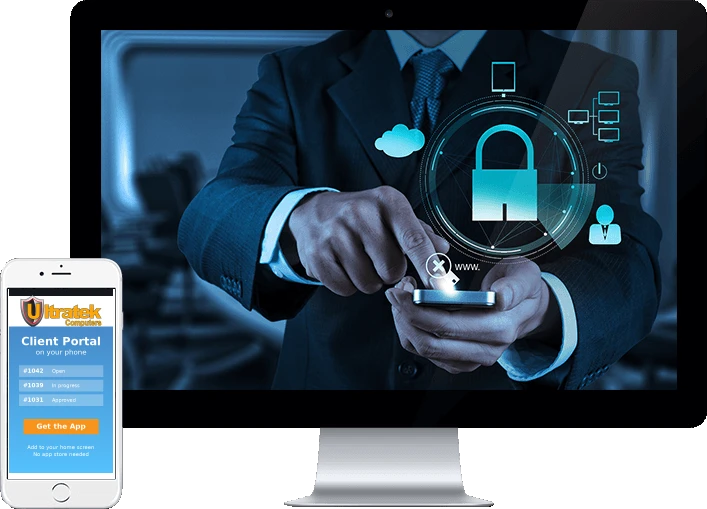
The client portal is where everything to do with your account lives — your support tickets and their full history, the hours logged against your work, estimates waiting on your decision, invoices, and documents to sign.
The portal is the record. Emails we send are a courtesy to prompt you to look — they are never the place an answer is given or recorded. If something happened, it is in the portal.
Raise a ticket, set its priority, and follow the full history of what was done, when and by whom. Every ticket carries a reference number that also appears on your invoice, so you can match a line on a bill back to the work it paid for.
When a job is finished, the hours logged against it appear for you to check. You have seven days to approve them or raise a query — the countdown is shown on screen.
Quotes arrive in the portal for a decision: approve them, ask for a change, or decline. Your answer records who gave it and when, so there is a clear date you agreed to the work.
See every invoice and its current status, and tell us when you have sent a payment, including a cheque number or transfer reference so we can match it up.
Sign service agreements online and keep the signed copy. Your files hold everything we have shared with you — estimates, invoices and documents — ready to download.
Administrators can add colleagues, choose their access level, reset a password, and turn off access when someone leaves.
Sign in with your email address. Your login is tied to your company's record with us, so you see your own account and nobody else's.
First time? We send you a welcome email with a link to choose a password. That link works once and lasts seven days. If it has expired, ask us to send another — the newest email is the one that works.
Forgotten your password? Use Forgot password on the sign-in page. The link we email you lasts 30 minutes.
Sign in to the portal Forgot your password?Your company's administrator decides who sees what. If something described here is not on your screen, your access level probably does not include it — ask your administrator.
| Level | Can see |
|---|---|
| Admin | Everything, including documents to sign and your company's contact list |
| Billing | Tickets, hours, estimates and invoices |
| User | Tickets and hours |
Emma, the portal assistant, answers questions about how the portal works — how to approve an estimate, query hours, or tell us a payment is on its way. She cannot see your account, so for anything about your actual tickets, balances or schedule, contact us directly. For anything urgent, phone us: the portal is the record, not an alarm.